Introducing TouchPlay Presenter Console
Experience a cutting-edge video control system unlike anything you've seen before.
What Is Eflyn’s TouchPlay Presenter?
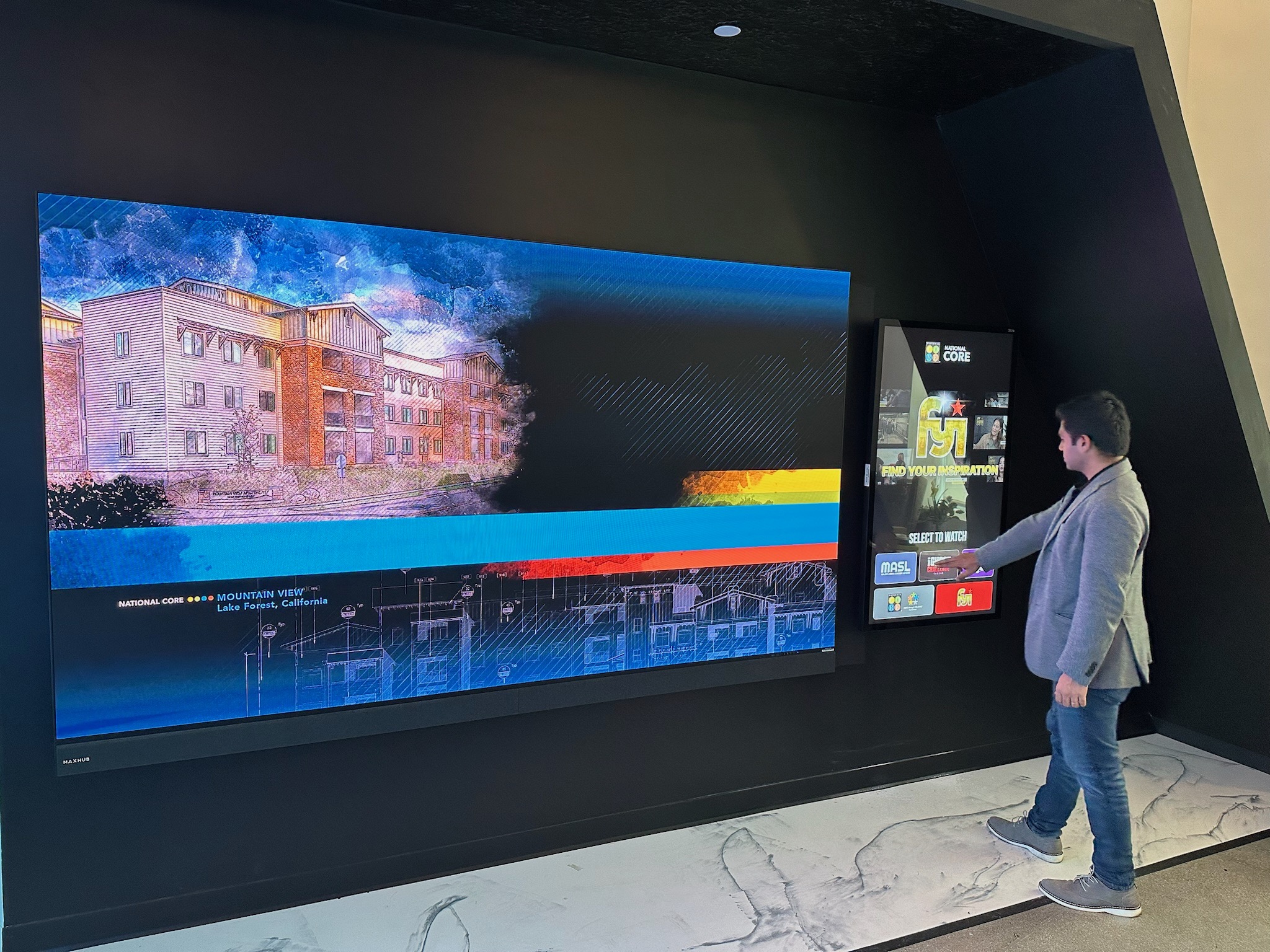
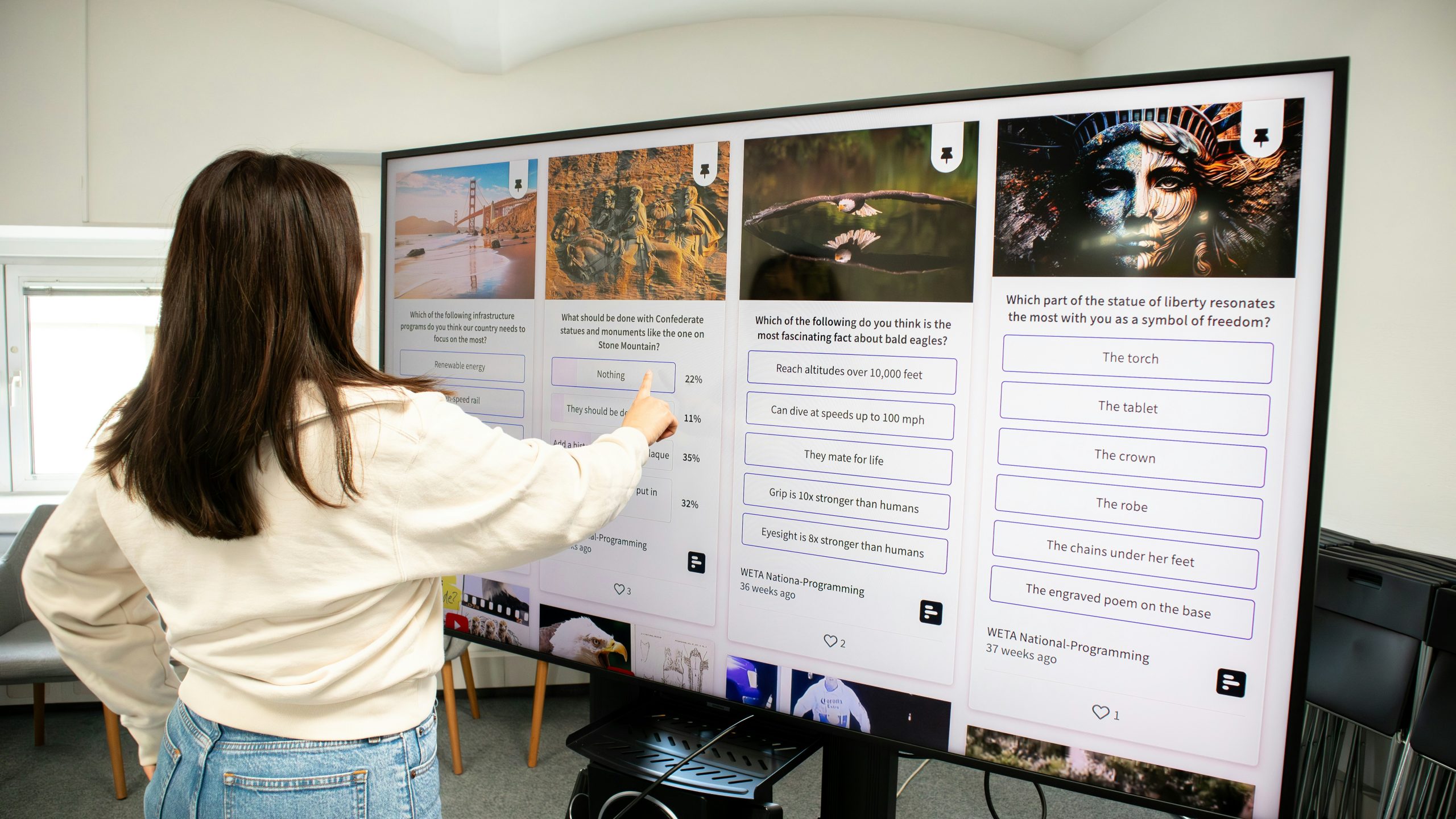
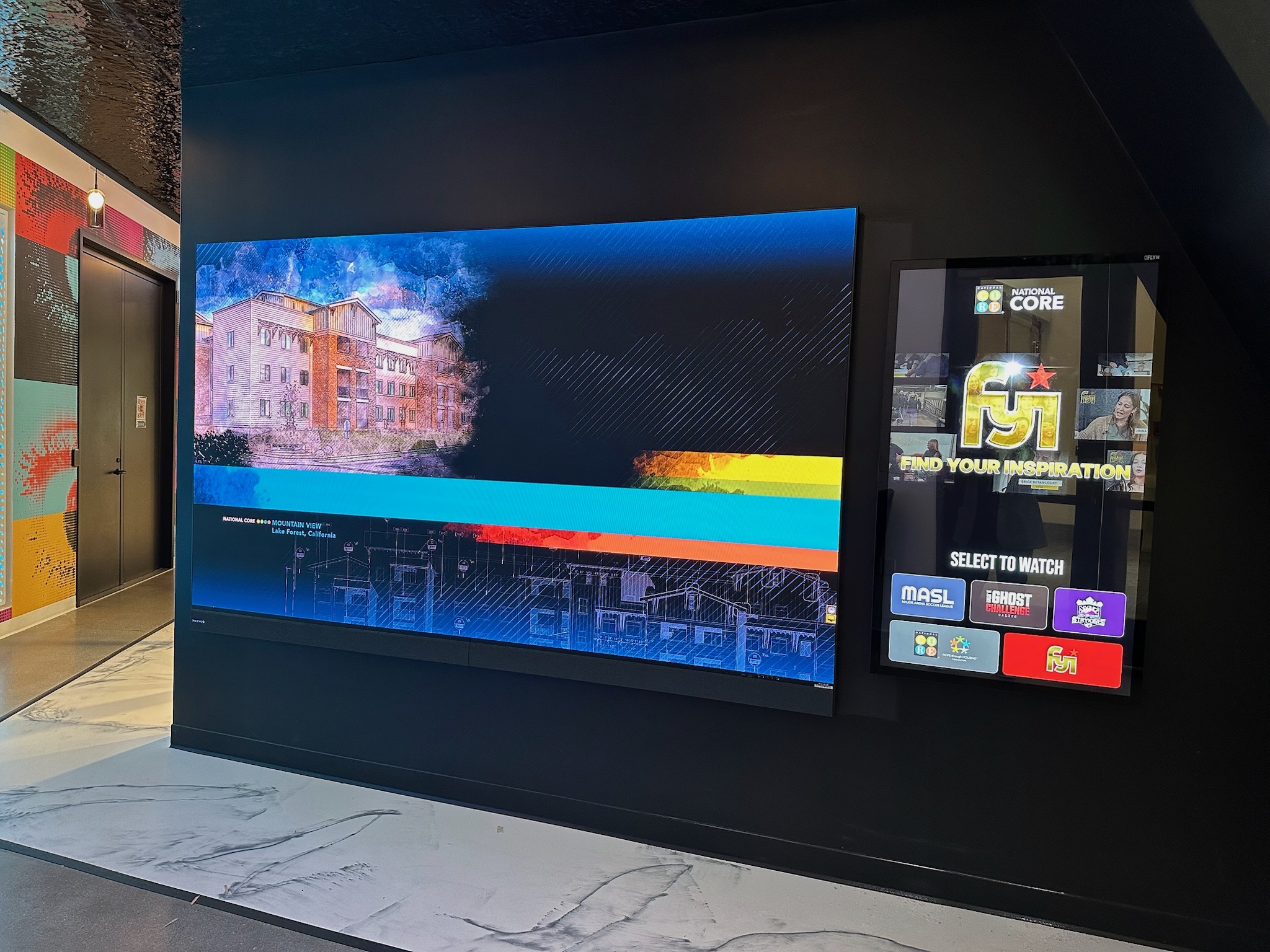
Eflyn’s TouchPlay Presenter is an interactive control system for large video walls. It combines a slim, wall-mounted touchscreen with a simple, visual interface that lets users browse content and instantly play it full-screen on a massive display. Instead of remote controls or staff-operated systems, TouchPlay allows visitors, presenters, or sales teams to select what they want to see with a tap—making big-screen storytelling intuitive, engaging, and self-guided.
Inquire Now
Who Can Benefit from This Application?
TouchPlay Presenter is built for anyone who owns or operates a large video wall or LED display and wants it to actually work for them. If you’ve invested in a massive screen, TouchPlay ensures it doesn’t sit idle or play the same loop all day. It lets your guests, visitors, or sales teams explore your content on their own—choosing what they want to watch and when—turning your video wall into a powerful, self-guided storytelling experience.
Inquire Now
Industries That Benefit Most
TouchPlay Presenter is designed for any environment where a large video wall is meant to engage people—not just play on a loop.
Builders & Property Developers
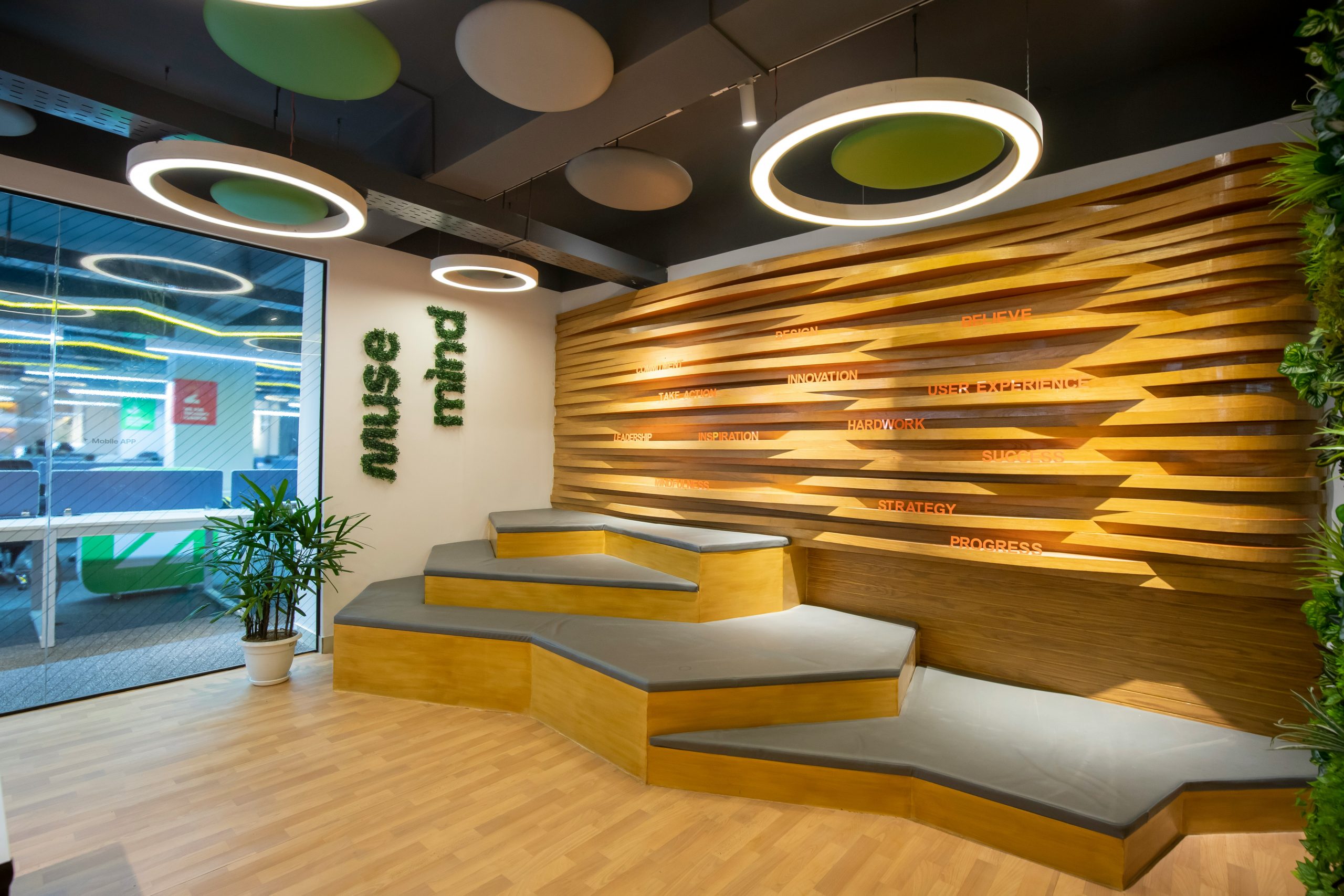
Present master plans, amenities, floor plans, and lifestyle visuals. Buyers explore content at their own pace while sales teams focus on conversations.
Sales & Experience Centers

Create guided or self-guided presentations where visitors choose what they want to see on the big screen, making demos more personal and effective.
Community & Civic Centers
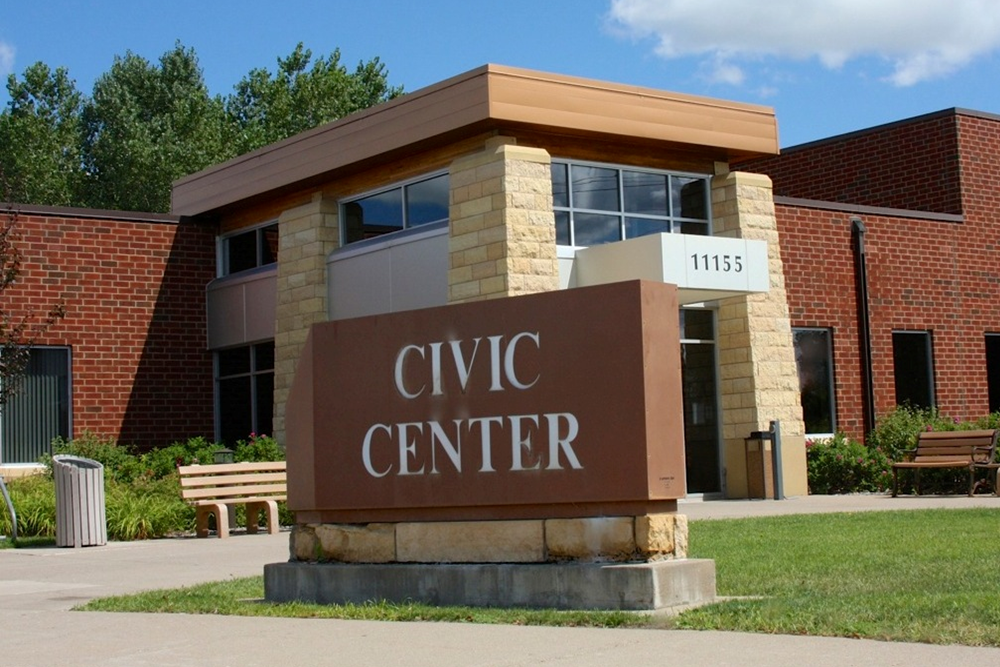
Share city projects, events, public information, and community stories through an interactive, approachable video wall experience.
Corporate Lobbies & Headquarters
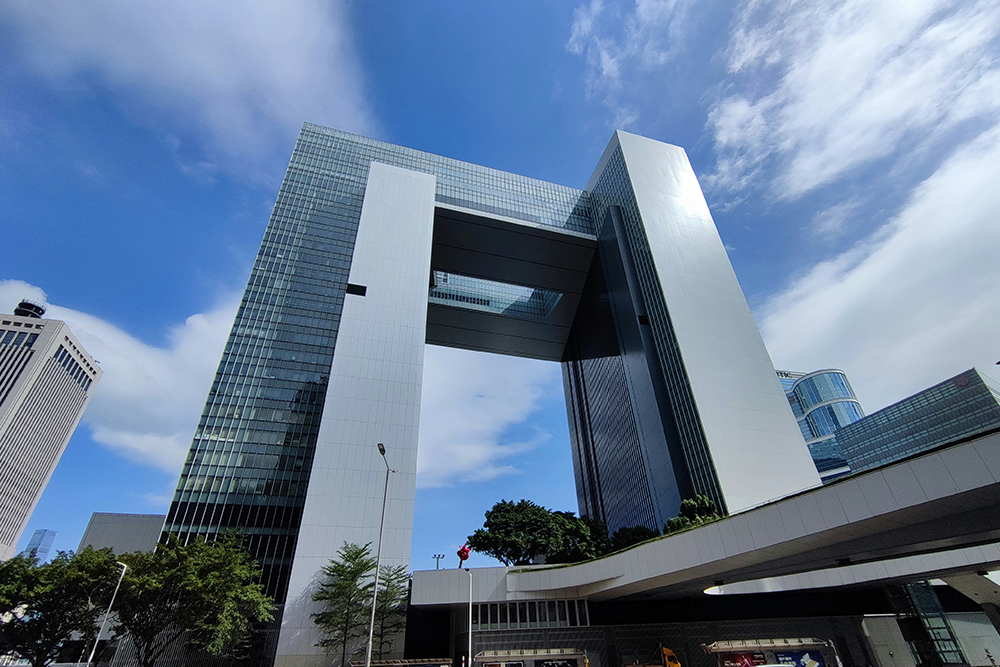
Showcase brand stories, milestones, investor content, and innovation highlights in a polished, modern format.
Museums & Cultural Spaces
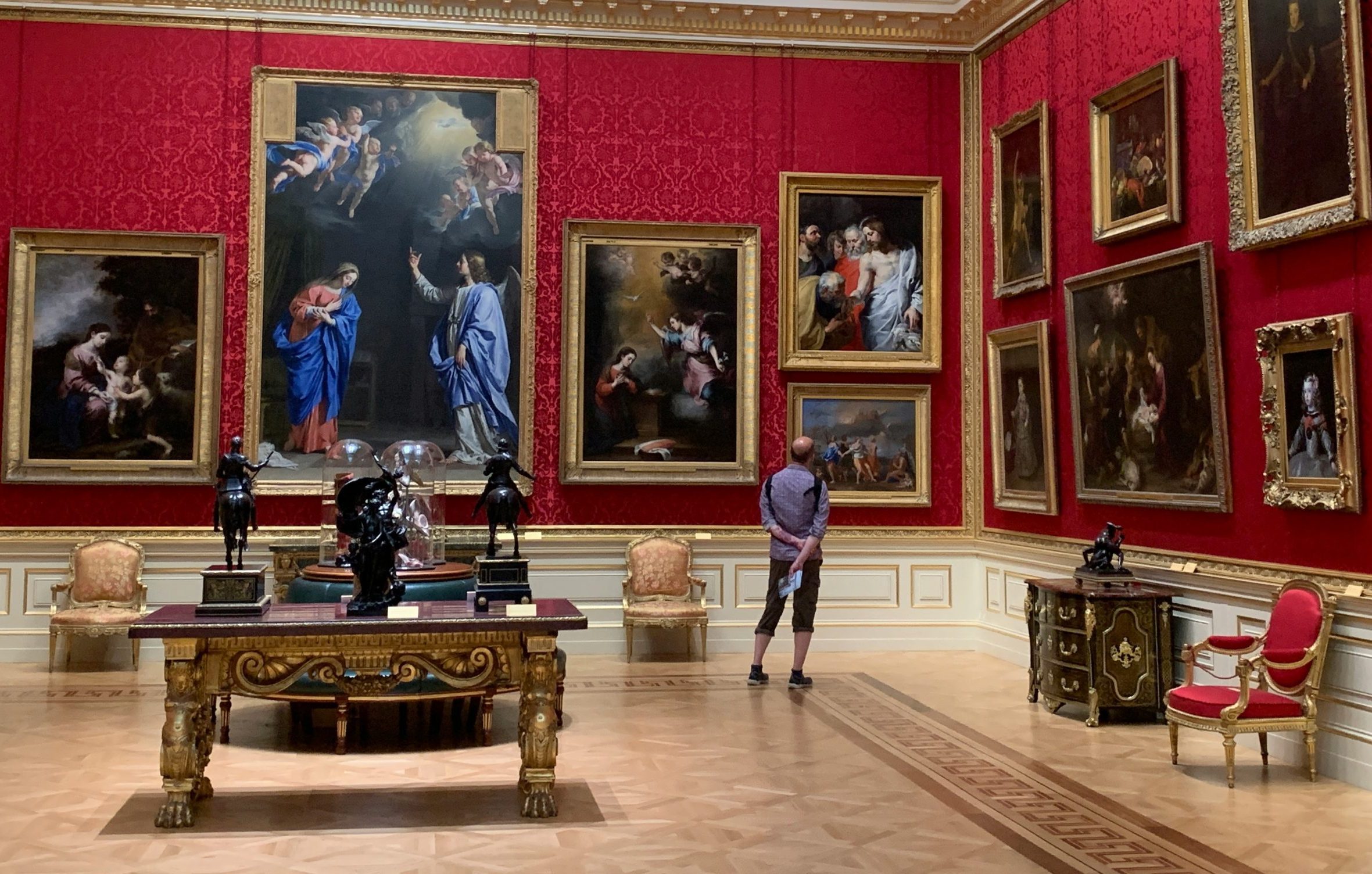
Let visitors explore exhibits, stories, and archival content interactively—without staff assistance or complex controls.
Education & Campus Facilities

Display campus tours, program highlights, research showcases, and announcements in a way students and visitors can explore freely.

Content Made Easy
Smart Categorization & Playlists
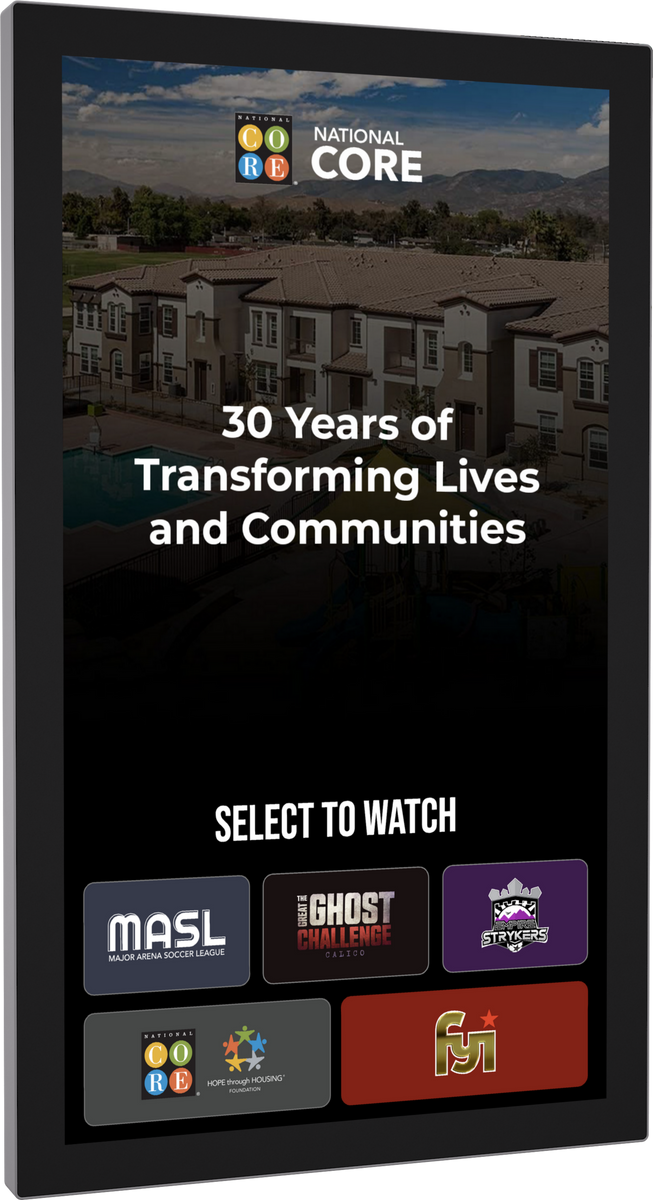
TouchPlay makes large content libraries easy to navigate. Videos are organized into clear categories and playlists so users can quickly find what matters to them. Whether it’s floor plans, neighborhood highlights, or community updates, content feels structured, intentional, and effortless to explore.
Inquire Now
Total Control, Unmatched Experience
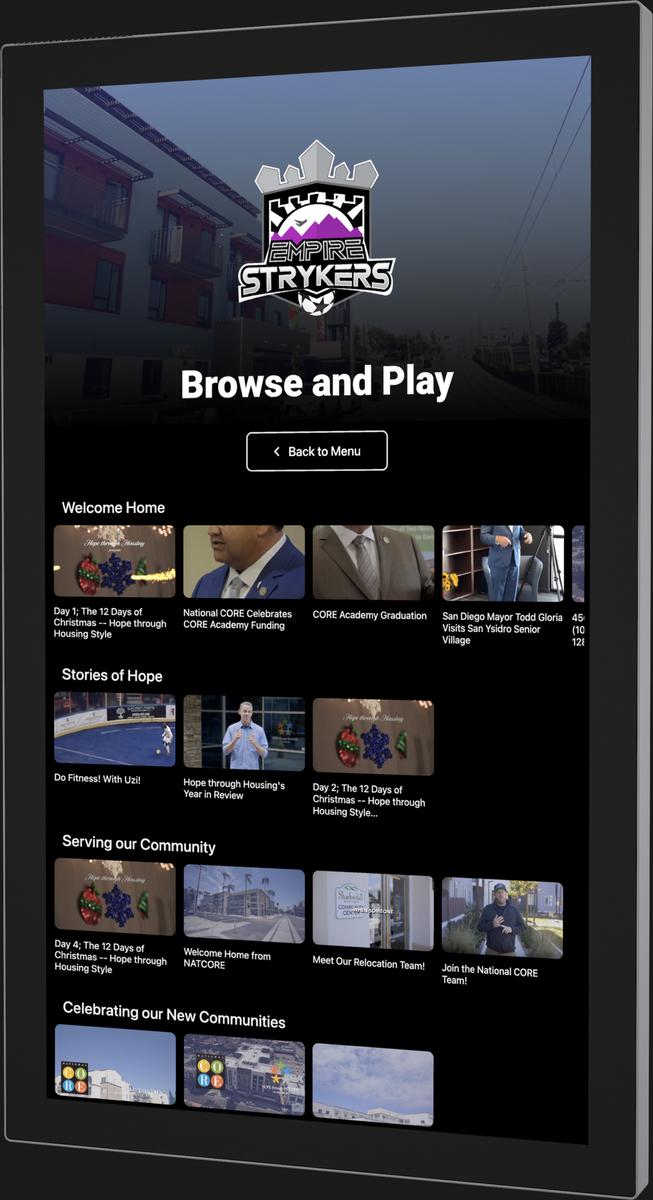
The TouchPlay Presenter Console is more than a controller. It’s a complete touchscreen-driven engagement suite for your video wall. With dynamic playlists, interactive overlays, real-time analytics, and scheduled content, it gives you total control to captivate audiences and streamline your digital display experience.
Inquire Now
Features That Put You in Command

Categorization & Playlists
Easily organize and browse your video library by genre, popularity, or custom playlists. Users can quickly find relevant content, making presentations or promotional playback more targeted and efficient.

Preview Thumbnails
Each video displays a quick visual preview when selected or hovered over. This helps users make faster, more informed playback decisions without interrupting the current interface.

Customizable Theme & Branding
Fully tailor the console’s interface with your organization's branding. Apply custom colors, logos, and visual themes to create a cohesive and branded user experience.

Infinite Scrolling
Enable fluid, uninterrupted content browsing with auto-loading video tiles. As users scroll, new content dynamically appears without manual pagination or loading delays

Swipe Gestures
Enjoy a modern, touch-friendly interface that supports left/right and up/down swipe gestures. Navigation becomes intuitive, especially for fast-paced environments or live events.

Idle-Time Screensaver
When the console is inactive, it automatically switches to a curated screensaver mode. This ensures your video wall continues to showcase promotional or ambient content at all times.

Scheduled Banner Updates
Automate banner visibility by setting start and end times. Whether for flash sales, event messages, or seasonal offers, banners appear and disappear precisely when needed.

Media Formats Support
Display banners in multiple formats, including high-resolution images, animated GIFs, and video clips. This flexibility allows you to run engaging and varied visual campaigns

Ad Campaign Management Tools
Launch and manage ad campaigns across multiple kiosks or video walls with ease. Create content, define schedules, and control placements from a centralized dashboard.

Ad Performance Analytics
Track how ads perform with real-time analytics. Monitor impressions, engagement, and click-throughs to evaluate campaign effectiveness and optimize content strategy.

Video Engagement Tracking
Gain insights into how users interact with your videos. See what gets played, how long it’s viewed, where users pause, and which content resonates most.

Kiosk Usage Reporting
Monitor how your kiosk is being used over time. View data on user sessions, top interactions, content views, and system usage trends for optimization.

Real-Time Analytics Dashboard
Access a live, web-based dashboard showing up-to-the-minute performance metrics. Track usage, ad effectiveness, and system health in real time from any location.

Interactive Overlays
Add clickable overlays to your video content for interactive engagement. Use them to direct users to websites, forms, promotions, or deeper information.

Dynamic Overlay Control
Modify overlays on the fly change their position, size, and visibility without restarting playback. Perfect for highlighting different elements mid-presentation.

Timed Overlays for Specific Content
Schedule overlays to appear at specific timestamps during video playback. This enables contextual calls-to-action, highlights, or links at just the right moment.

Local Network Video Caching
Reduce internet dependency by caching media on local servers. Ensures fast, uninterrupted playback even in low-bandwidth environments or during network outages.

Category Hierarchy Display
Present content in a structured, multi-level format. Helps users drill down into specific content areas quickly, improving discoverability and content organization.

Custom Category Thumbnails
Assign unique images to each video category to improve visual navigation. These thumbnails serve as intuitive entry points into themed or curated video collections.
Category-Based Playlists
Users can instantly play all videos within a specific category with one tap. Great for events or venues where themed content blocks are needed.

Session Timeouts
Automatically resets the console to its home screen after inactivity. Helps protect user privacy and ensures a consistent starting point for the next interaction.